
Our verdict in short
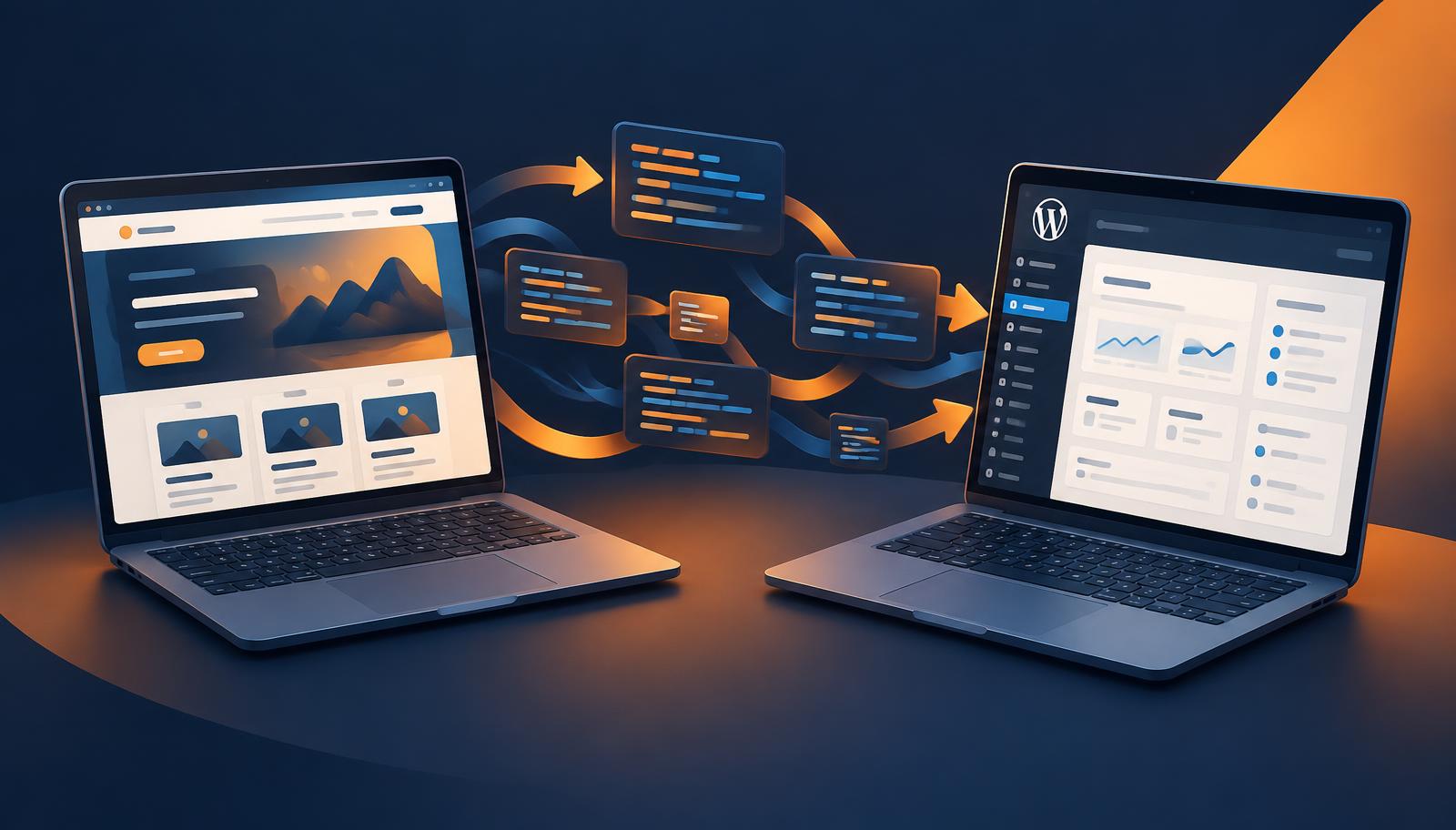
Convert2WP solves one of the most practical problems of the AI website era: you can build a beautiful site in minutes with an AI builder, but long-term you often want the control, editing comfort and ecosystem of WordPress. Convert2WP bridges that gap with a focused, specialised conversion service.
- Built specifically for AI-generated websites
- Supports the most popular AI builders and code tools
- Result lives in WordPress: easy editing, plugins and SEO tools
- Saves the time and cost of a manual rebuild
Why AI websites eventually need WordPress
AI website builders have changed how websites get made. With Lovable, Bolt, v0 or Google AI Studio you describe what you want, and within minutes you have a working, modern-looking website. Developers use Cursor, Claude, Replit and Gemini to generate entire React interfaces. Designers ship polished pages in Framer. The speed is extraordinary, and for prototyping, validating an idea or launching a first version, these tools are hard to beat.
But once a website starts to matter for a business, new questions appear. Who will update the text when the founder is busy? How does the marketing team publish blog posts without touching code? Which plugins can add a newsletter form, a booking system or a shop? Where can the site be hosted without being tied to a single platform? And how do you hand the site over to a client who already knows WordPress?
WordPress powers a very large share of the web for exactly these reasons. It offers a familiar dashboard, thousands of themes and plugins, mature SEO tools and a worldwide community of developers and agencies. Moving an AI-built website to WordPress turns a fast prototype into a site that anyone on the team can manage. That is precisely the gap Convert2WP was created to close.
What is Convert2WP?
Convert2WP is a specialised service that clones and converts websites generated by AI builders into WordPress. Instead of asking a developer to rebuild every page by hand — a process that can easily take days or weeks — Convert2WP focuses on recreating your existing design, structure and content as a WordPress website you can manage yourself.
The name says it all: convert to WordPress. The service positions itself for founders, freelancers, marketers and agencies who have used AI to build something they like, and now want the flexibility of the world's most popular content management system without losing the look and feel they already created.
Built your site with AI? Make it fully editable in WordPress.
Convert your AI website nowSupported platforms: from Lovable to Gemini
One of the strongest points of Convert2WP is its focus on the tools people actually use today. Rather than being a generic HTML importer, it targets the AI builders and coding assistants that generate modern websites:
Lovable
Popular for full React apps and landing pages built from a chat prompt.
Claude
Used to generate complete page code and interface components.
Bolt
Quick browser-based generation of full-stack web projects.
Framer
Design-first sites with rich animations and layouts.
v0
Generates sleek React and Tailwind interfaces from prompts.
Cursor
AI code editor where developers build entire sites.
Replit
Online coding environment with AI-assisted app building.
Google AI Studio & Gemini
Google's AI tools for generating web pages and app code.
Because each of these tools produces code in its own way, a specialised converter has a real advantage over a one-size-fits-all migration. For the exact scope for your particular project, the team at convert2wp.net is the best source.
How the conversion workflow works

A good migration follows a clear process. While details can differ per project, the typical journey from AI website to WordPress looks like this:
- 1
Share your AI website
Provide the URL or project of the site you built with Lovable, Bolt, Framer, v0 or another tool.
- 2
Analysis of design and structure
Pages, sections, navigation, images and content are mapped so the WordPress version mirrors the original.
- 3
Conversion to WordPress
The site is rebuilt as a WordPress website, so pages and content become editable from the dashboard.
- 4
Review and go live
You check the result, connect hosting and your domain, and publish — now with the full WordPress ecosystem at your disposal.
The value here is that you keep what you liked about your AI-generated design while gaining everything WordPress offers. You do not start from a blank theme, and you do not have to explain your design to a developer pixel by pixel.
Key benefits of converting with Convert2WP
1. Editing without code
AI builders produce code. Even when the visual result is great, small text changes often mean opening the tool again, prompting, and hoping nothing else breaks. In WordPress, anyone can update a headline, swap an image or add a new page in a few clicks. For teams and clients, this alone is often reason enough to switch.
2. Freedom of hosting and ownership
WordPress can run on almost any hosting provider. That means you choose your own host, your own price level and your own location — for European businesses, EU hosting can be an important consideration for privacy and GDPR. You own your website, independent of a single AI platform's subscription.
3. The plugin ecosystem
Need a contact form, a multilingual setup, a webshop with WooCommerce, a membership area or a booking calendar? WordPress has mature plugins for nearly every business requirement. Once your AI site lives in WordPress, adding functionality becomes a matter of installing and configuring rather than coding.
4. Strong SEO foundations
Many AI-built sites are single-page applications that rely on JavaScript to render content. WordPress, by contrast, serves server-rendered HTML that search engines read easily, and tools such as Yoast SEO or Rank Math make titles, meta descriptions, sitemaps and structured data manageable for non-experts. For businesses that depend on organic traffic, that is a meaningful advantage.
5. Time and cost savings
A manual rebuild of a multi-page site can be expensive and slow. A dedicated conversion service like Convert2WP is designed to shorten that path considerably, so you can move from AI prototype to manageable production website faster.
Keep your AI design. Gain WordPress freedom.
Lovable, Bolt, Framer, v0, Cursor, Replit, Claude, Gemini and Google AI Studio sites welcome.
Get started at Convert2WPPractical use cases we see most often
From Lovable or Bolt prototype to company website
A common scenario: a startup builds its first landing page in Lovable or Bolt to test demand. The idea works, investors and customers start visiting, and suddenly the website needs a blog, case studies, a careers page and regular updates. Rebuilding everything by hand would stall momentum. Converting the existing design to WordPress lets the team keep the brand they launched with, while marketing takes over day-to-day content.
Framer design handed over to a client
Designers love Framer for its creative freedom, but many clients already use WordPress or expect to receive a WordPress site they can maintain with their own web partner. With Convert2WP, an agency can design quickly in its favourite tool and still deliver the platform the client asked for, avoiding a painful second build.
Developer-generated sites from Cursor, Claude, v0 or Replit
Developers increasingly generate full React interfaces with Cursor, Claude, v0 or Replit. The code is often clean, yet non-technical colleagues cannot edit it. Moving the result into WordPress gives everyone a shared, user-friendly workspace, while developers can still extend the site with custom themes or plugins when needed.
Google AI Studio and Gemini experiments that became real projects
Tools from Google make it easy to generate web pages and small apps. When such an experiment grows into something customers rely on, stability, hosting choice and long-term maintainability become important. WordPress offers a well-known, well-supported home for that next stage.
Tips for a smooth migration
To get the most out of any AI-to-WordPress conversion, a little preparation goes a long way. First, make an inventory of all pages, forms and integrations on your current site, so nothing is forgotten. Second, export or collect your original images and texts in good quality. Third, decide on your hosting provider in advance; a fast, well-managed WordPress host makes a noticeable difference in speed and security.
After the conversion, install an SEO plugin, recreate your page titles and meta descriptions, generate an XML sitemap and submit it to Google Search Console. If your URLs change, map each old address to its new equivalent with 301 redirects. Finally, test the site on mobile and desktop, check every form, and only then switch your domain. Following this checklist protects the rankings and traffic you have already built.
Who is Convert2WP for?
- Founders and startups who validated an idea with an AI builder and now need a website their team can maintain.
- Agencies and freelancers who prototype quickly with AI but deliver WordPress sites their clients already know.
- Marketers and content teams who want to publish blogs and landing pages without waiting for developers.
- Small businesses that want lower running costs, their own hosting and a site that is easy to hand over.
Points to keep in mind
No migration is entirely hands-off, and an honest review should say so. These are general considerations for any AI-to-WordPress project, not criticisms specific to Convert2WP:
- Complex app logic, such as user accounts, dashboards or custom databases, may need a plugin-based or custom solution in WordPress.
- Always review the converted site on a staging environment before switching your domain.
- Set up 301 redirects if your URLs change, so you keep existing search rankings.
- Choose quality hosting and a caching setup to keep the WordPress version fast.
Discuss any special functionality up front with the Convert2WP team, so expectations are clear before the conversion starts.
Convert2WP versus a manual rebuild
| Aspect | Convert2WP | Manual rebuild |
|---|---|---|
| Focus | Specialised in AI-built websites | General web development |
| Starting point | Your existing AI design | Often a blank theme |
| Turnaround | Designed to be fast | Days to weeks of dev work |
| Briefing effort | Low — the site is the brief | High — every detail explained |
Frequently asked questions
What does Convert2WP do?
Convert2WP converts websites built with AI website builders and code tools into WordPress, so you can manage pages and content from the familiar WordPress dashboard.
Which AI builders are supported?
Convert2WP focuses on sites made with tools such as Lovable, Claude, Bolt, Framer, v0, Cursor, Replit, Google AI Studio and Gemini. Check convert2wp.net for the current list and details for your project.
Why move an AI-built website to WordPress?
WordPress gives you an editor non-developers understand, a huge plugin ecosystem, mature SEO tooling, and the freedom to host wherever you want.
Do I need coding skills?
The service is aimed at founders, marketers and agencies who want a WordPress result without rebuilding the site by hand. Technical knowledge helps for hosting, but is not the core requirement.
Should I check the result after conversion?
Yes. With any migration you should review layouts, forms, redirects, metadata and performance on staging before switching your live domain.
Conclusion: a smart bridge from AI speed to WordPress control
AI website builders are fantastic for getting started, but most growing businesses eventually want a site they can edit, extend and host on their own terms. Convert2WP fills that need with a clear, focused proposition: take the website you created with Lovable, Claude, Bolt, Framer, v0, Cursor, Replit, Google AI Studio or Gemini, and turn it into a WordPress website.
For founders, agencies and marketers who love the speed of AI but need the flexibility of WordPress, Convert2WP is well worth a look. It saves the cost of rebuilding from scratch, keeps the design you already invested in, and opens the door to the entire WordPress ecosystem.
Disclosure: this is an independent editorial review by IAEE based on publicly available information about the service. Features and supported platforms may change; please check convert2wp.net for current details.